MM logo white 1
MM logo red
Image description is not available

Which laptop should you choose?

Luca20 NOVEMBER 2025
Five people are sitting side by side, each holding laptops. The laptops are silver. The background is a bright room with a large window.

If you're in the market for a new laptop, you've probably already noticed that there are a lot of options. With so many models, brands, and features, there's always a laptop that fits your needs seamlessly. Are you looking for a laptop for school, work or play? On this page, you'll find all the information you need to find the laptop that's best for you.

What specifications should you look for when choosing a laptop?

Man at home on cushion, video calling on laptop by low wooden table with coffee, sunlight filling the cozy room.

Are you going to buy a new laptop? Here are the key specs to consider:

  • What are you going to use your laptop for? Do you want to read emails, surf, take notes, and watch the occasional video? Then a basic model is sufficient. Do you work a lot with programs such as Excel, PowerPoint, photo editing software or light games? Choose a more powerful laptop. For demanding tasks such as video editing, 3D designs or intensive gaming, you need a laptop with a powerful processor and a lot of RAM.
  • Which processor is best for your tasks? For basic programs and surfing, an Intel Core i3 or AMD Ryzen 3 is sufficient. Do you use programs like Adobe Photoshop, Microsoft Teams, or do you like to play games? Then an Intel Core i5 or AMD Ryzen 5 is better. For intensive gaming, video editing, or programming, it's best to choose a Core i7/i9 or Ryzen 7/9.
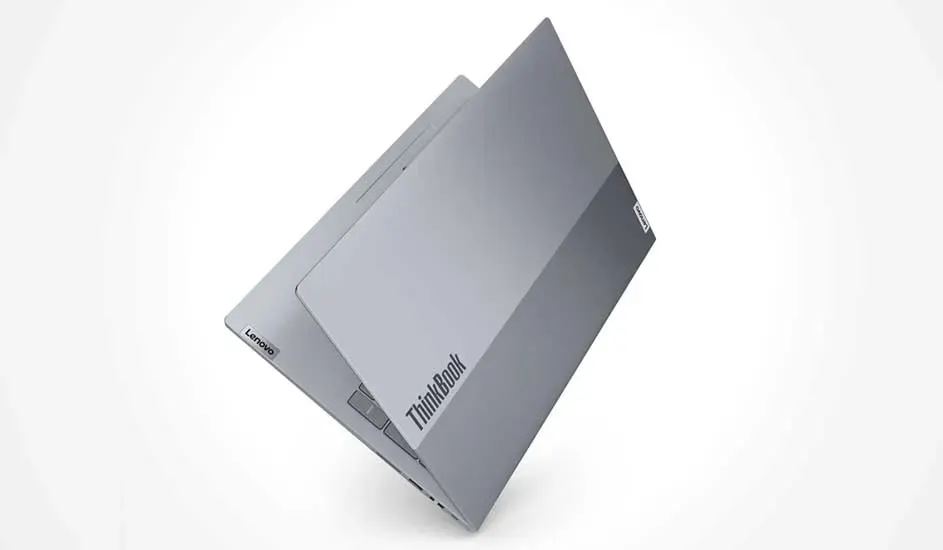
Sleek silver Lenovo ThinkBook laptop half open against white background, highlighting thin, modern design for professional use.
  • How much RAM do you need? 8 GB of RAM is suitable for working in multiple tabs at once, editing Office documents, and light multitasking. If you use heavy apps or work with large files, you need at least 16 GB of RAM.
  • How much storage space do you need? Do you want a laptop that boots quickly and opens files smoothly? Then be sure to choose an SSD of at least 256 GB. Do you store a lot of photos, videos, or apps on your laptop? Then also look at expandable storage.
  • How important is weight and size? Do you take your laptop to school, work or the library? Then choose a light model (around 1.3 to 1.5 kg) with a screen of 13 to 14 inches. If you mainly work from home and want a larger screen for movies or multitasking, models from 15 to 17 inches are more practical.
  • How long should your battery last? Do you often work on the road or in places without a power outlet? Then a battery that lasts at least 8 to 10 hours is a smart choice.
  • What additional features do you need? Think of touchscreen, a webcam for video calling, keyboard lighting, or security options such as fingerprint scanners. Software updates and warranty can also influence your choice. The longer your device stays up to date, the longer you can work safely.

Different operating systems

Your laptop's operating system determines how you use your device, what software you can download, and how smoothly everything runs. So, it's smart to choose a system that fits well with your daily habits and your work or study needs.

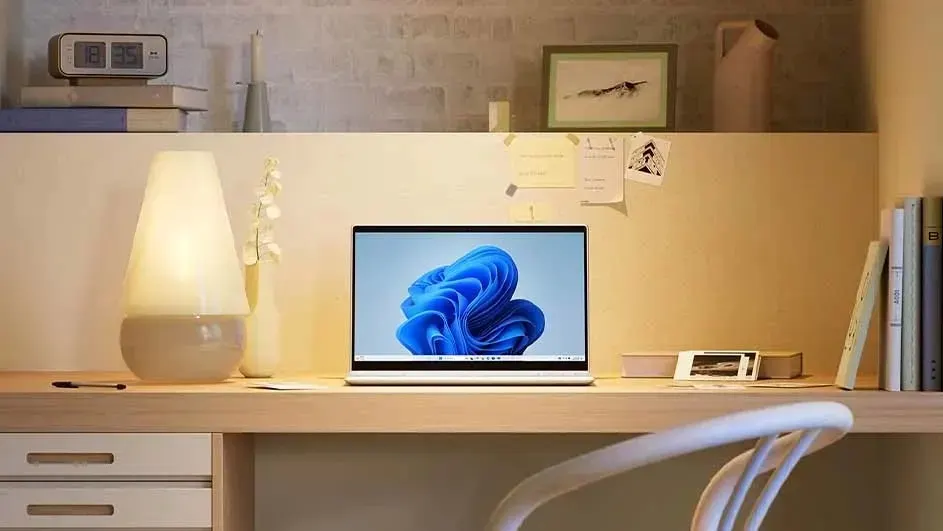
Bright wooden desk with open laptop centered, glowing lamp left, books and photos right, creating a calm, tidy home office.

Windows

Windows is the most widely used operating system worldwide and is very versatile. It is suitable for almost all types of users: students, home users, professionals, and gamers. Thanks to its huge software library, you can run almost any program, from Office applications to heavy graphics software like Adobe, and games.

ProsCons

Large selection of laptops and brands.

Regular updates needed.

Versatile and familiar.

Less energy efficient than other systems.

Broad software support.

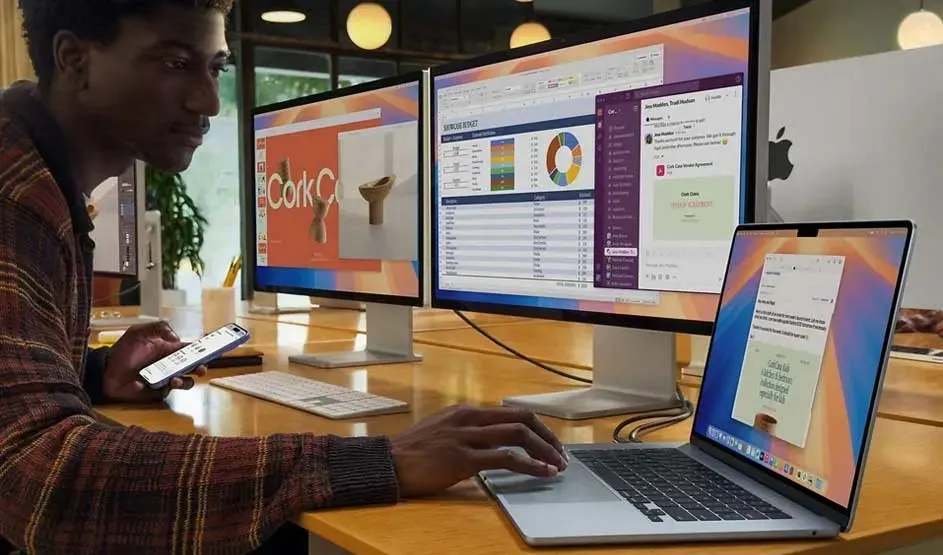
Man works focused on laptop with two big monitors, checking reports and messages, phone in hand, in a bright modern office.

macOS

macOS runs exclusively on Apple MacBooks and is known for its user-friendly and modern interface. It's a favourite among creatives, such as graphic designers, video editors, and musicians, thanks to strong tools like Final Cut Pro and Logic Pro. Already using an iPhone, iPad, or other Apple products? Then your devices work together seamlessly, and you can enjoy features like Handoff, Airdrop, and iCloud.

ProsCons

Sleek interface and modern design.

Limited choice of equipment.

Strong in photo and video editing.

Seamless integration with iPhone and iPad.

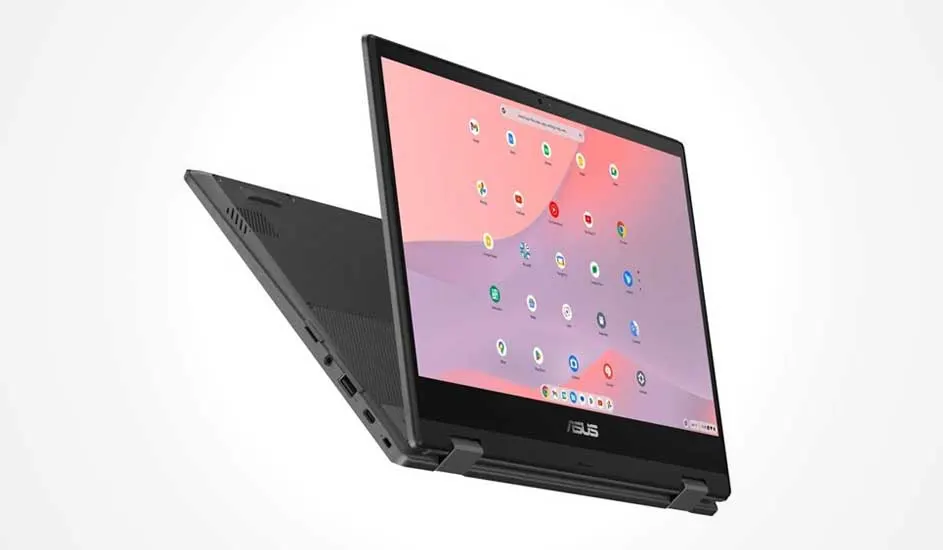
Black ASUS laptop in tent mode, large touchscreen showing colorful ChromeOS icons on soft pink background, floating on white.

Chrome OS

Chrome OS is Google's online operating system. It mainly runs on apps that work through your browser, for example webmail, word processors and streaming services. Thanks to their fast start-up time and energy efficiency, Chromebooks are a smart choice for those who do a lot of online work and want a budget-friendly, simple laptop.

ProsCons

Fast start-up and long battery life.

Limited offline use.

Easy to use.

Less suitable for heavy software.

Affordable.

Your laptop's processor and battery

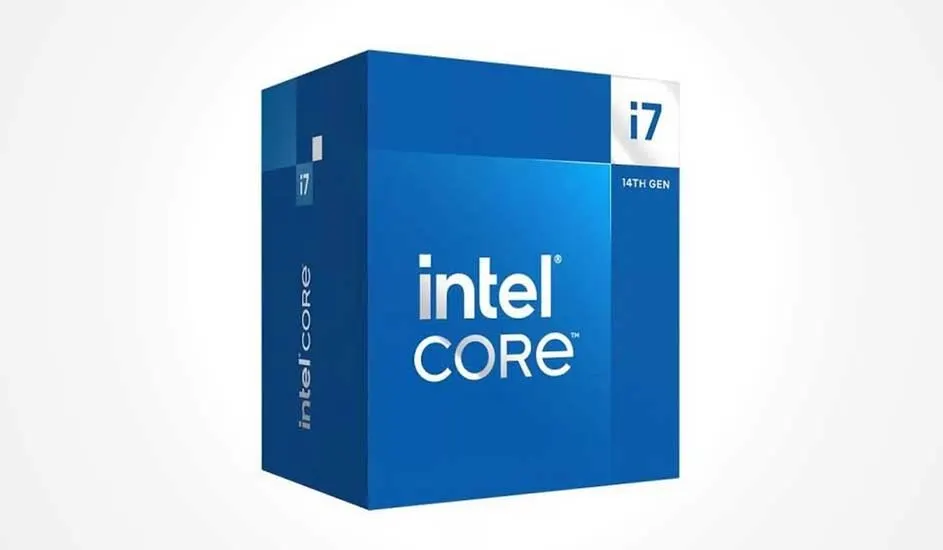
Blue Intel Core box with large white logo, i7 badge on top right and “14th Gen” label, standing against a white background.

The processor (CPU) is the heart of your laptop: the more powerful it is, the faster and smoother everything runs. Do you mainly use your laptop to surf, email and run simple apps? Then an Intel Celeron or Core i3 is often enough. Do you often use heavy software to edit videos, retouch photos, or play games? Choose a stronger processor like an Intel Core i5 and i7 or AMD Ryzen 5 and 7, so your laptop won't lag during use. Battery life is also important, especially if you are often on the go without a power outlet nearby. Modern laptops with energy-efficient chips, such as Apple's M-series or Intel Evo platform, have a battery that easily lasts 10 hours or more.

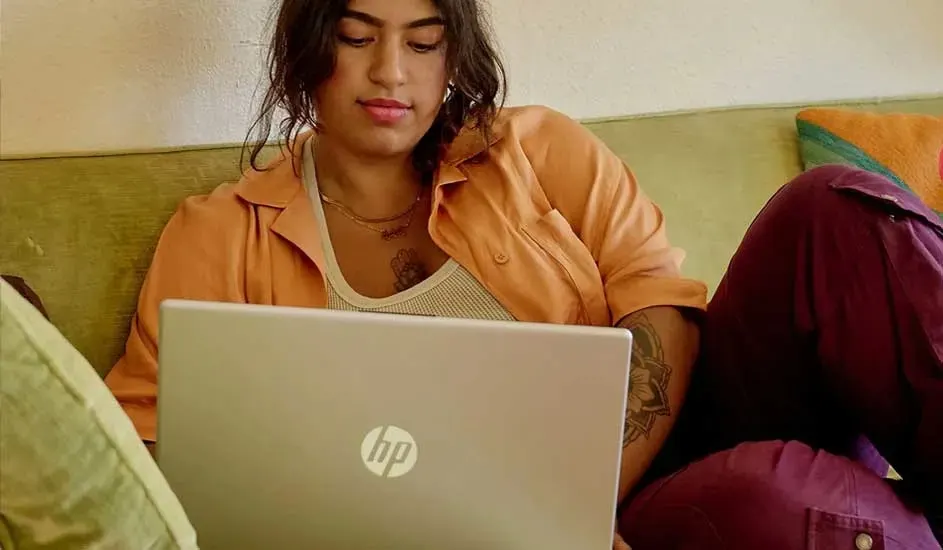
Person relaxing on green couch with open HP laptop on lap, wearing orange shirt and purple pants, calmly working from home.

The screen size of a laptop has a major impact on its ease of use. Here are the most common formats:

  • 11 to 14 inches: these are compact, light laptops that you can easily take with you in your bag. Handy if you travel a lot, are at school or often work on the road. The screen is slightly smaller, but clear enough for emailing, surfing and watching videos.
  • 15 to 16 inches, the most popular size: large enough to work, watch movies and play games comfortably.
  • 17 inches or larger: these laptops are suitable if you often watch movies or run demanding programs. These models have a larger screen but are less easy to carry.

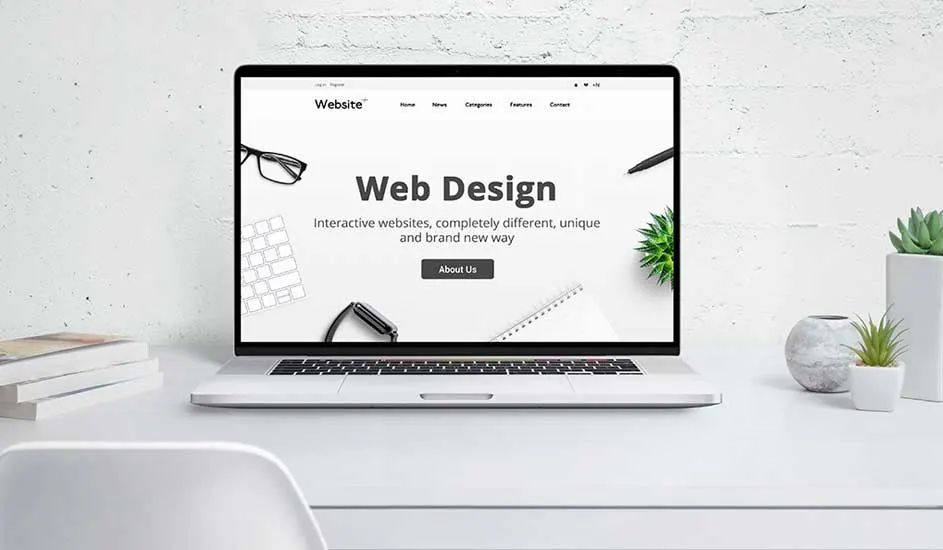
Open laptop on white desk shows “Web Design” site, surrounded by books and small green plants against a light wall.

In addition, pay attention to:

  • Resolution: choose Full HD (1920x1080 pixels) or higher for sharp images.
  • Brightness: do you often use your laptop outside or in bright rooms? Then a bright screen (for example 300 nits or more) is indispensable.
  • Colour accuracy: do you work with photos, videos or design? Then choose a screen that displays colours as faithfully as possible.

The storage and RAM of your laptop

The storage memory (SSD or HDD) determines how many files, apps and photos you can store on the laptop. The type of storage also affects the speed: with an SSD, your laptop and programs boot much faster than with a traditional hard drive. The RAM helps ensure that your laptop continues to work smoothly, even when you use multiple programs or browser tabs at the same time.

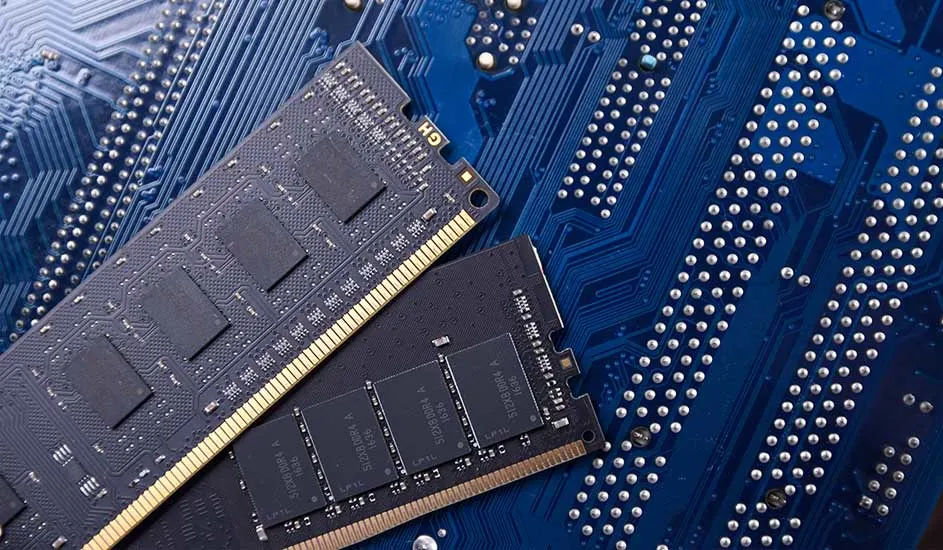
Two RAM sticks with gold contacts lie crossed on a blue circuit board filled with delicate traces and silver solder dots.

Storage

  • 256 GB: plenty of space for documents, photos, music, and a few apps. Plus, the 256 GB storage ensures fast start-ups and smooth performance.
  • 512 GB or more: recommended if you store a lot of photos, videos, or large files, or if you use multiple demanding programs. This prevents your storage space from filling up quickly.

Working memory (RAM)

  • 4 GB: suitable for standard tasks such as emailing, surfing and word processing. Not recommended if you often have a lot of tabs open or run programs at the same time.
  • 8 GB: recommended for most users who surf, watch movies, use Office programs, and do some multitasking.
  • 16 GB or more: recommended if you edit videos, game games, or work with demanding programs like Photoshop or CAD.

Using the laptop

The best laptop for you is a model that fits seamlessly into your daily tasks. We'll help you get started:

Woman sits on floor in front of brown leather sofa, happily using laptop on ottoman in bright modern living room.

Home use

Do you mainly use your laptop to scroll on social media, check your emails and occasionally watch a series or movie? Then a basic device offers everything you need. Choose a laptop with an Intel i3 or AMD Ryzen 3 processor, 8 GB RAM, and 256 GB SSD.

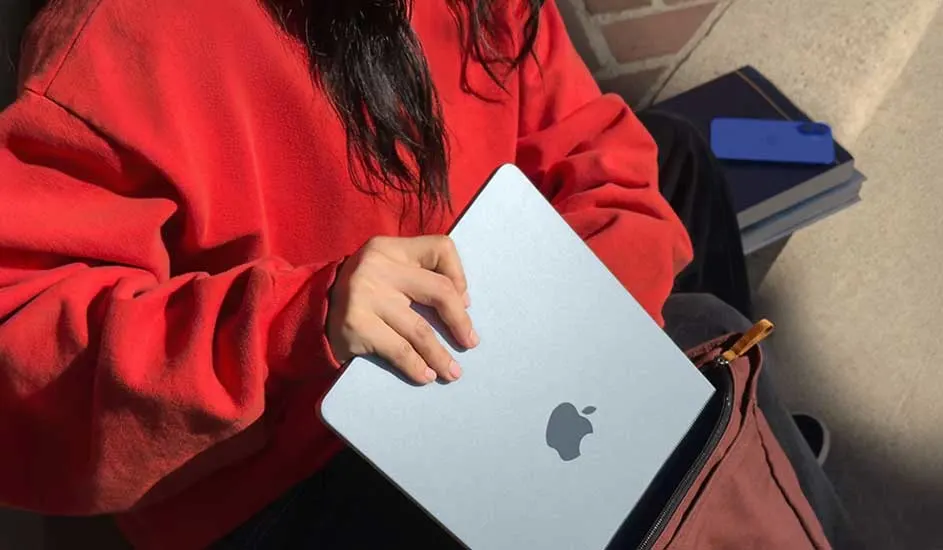
Person in a red sweatshirt putting a silver MacBook into a bag, with books and a blue phone case nearby on sunlit steps.

Study or school

As a student, you want a laptop that is light to carry around, has a long battery life, and is not too expensive. It's best to choose a device with an Intel i3, Ryzen 3 or MediaTek (for Chromebooks) processor, 8 GB of RAM and a Full HD screen. Also choose a device with a long battery life. This way you can study for hours without having to charge your laptop.

To our student laptops
Woman with glasses focused on HP laptop at wooden table, surrounded by shelves of ceramics in a softly lit studio.

Business use

Do you often need your laptop for work? Then reliability, speed and security are important. You switch between multiple programs and need sufficient storage for files and documents. Choose an Intel Core i5 or i7 laptop, 16 GB RAM, 512 GB SSD, and full HD or higher. This gives you a fast processor, plenty of memory, and a bright screen to work smoothly with multiple apps at the same time, and enough space for all your business files.

To our professional laptops
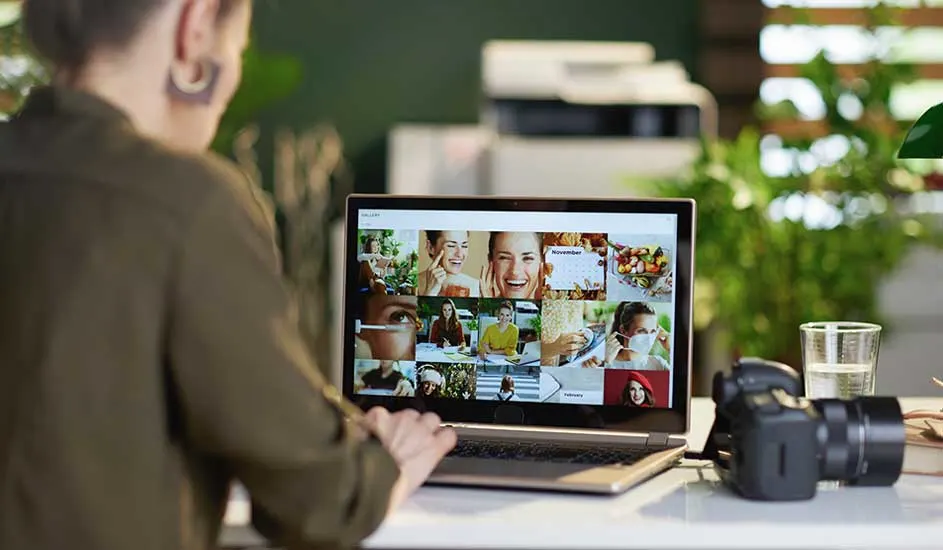
Person reviews a colorful photo gallery on a laptop, with camera and glass of water on the desk amid lush green plants.

Photo and video editing

Are Photoshop, video editing, or other creative tasks part of your daily to-dos? Then you need a powerful laptop with a high-quality, colour-accurate screen. Choose an Intel i7, AMD Ryzen 7, or Apple M3, 16 to 32 GB RAM, and ample storage of at least 512 GB. This way, you can easily use demanding programs and see your work in the right colours.

Young gamer wearing red headset cheers at laptop, raising controller while sitting at desk with lamp and phone.

Gaming

If you play games often, you'll want a laptop that has just a little more power: a fast graphics card, a good processor, and a screen that displays everything smoothly. A good gaming laptop will have an NVIDIA RTX or AMD Radeon video card, an i7 or Ryzen 7 processor, 16 GB of RAM, and a screen with at least 144Hz refresh rate. This way, you can play without stuttering and enjoy a razor-sharp image.

Our advice on choosing a good laptop

Are you looking for a budget-friendly laptop for daily tasks, a lightweight model that is easy to carry, or a powerful laptop for creative projects? When choosing, pay attention to important specifications such as processor, RAM, storage, and battery life. Compare the different models and features and choose the laptop that suits your way of working, studying or relaxing.

Frequently asked questions about choosing a laptop

These articles may also be interesting for you